The key to your computer is already in your pocket.
Unlock your Mac or Windows PC with Face ID or Touch ID on your iPhone or iPad. Slide right to unlock. Slide left to lock. No password to type.
Three ways to connect
Next to it, down the hall, or miles away.
Face Unlock picks the best route to your computer by itself.
Bluetooth
When you are right there. Needs no network at all.
Wi-Fi
Anywhere on your home or office network.
From anywhere
Over the internet, when you are away. You switch it on yourself.
Paid plansHow it works
Set up once. It takes a minute.
Install the program
Put the free Face Unlock program on your Mac or Windows PC and open it.
Scan the code
It shows a pairing code. Point your iPhone or iPad at it in the app.
Slide to unlock
Slide right, confirm with Face ID or Touch ID, and you are in.
The app
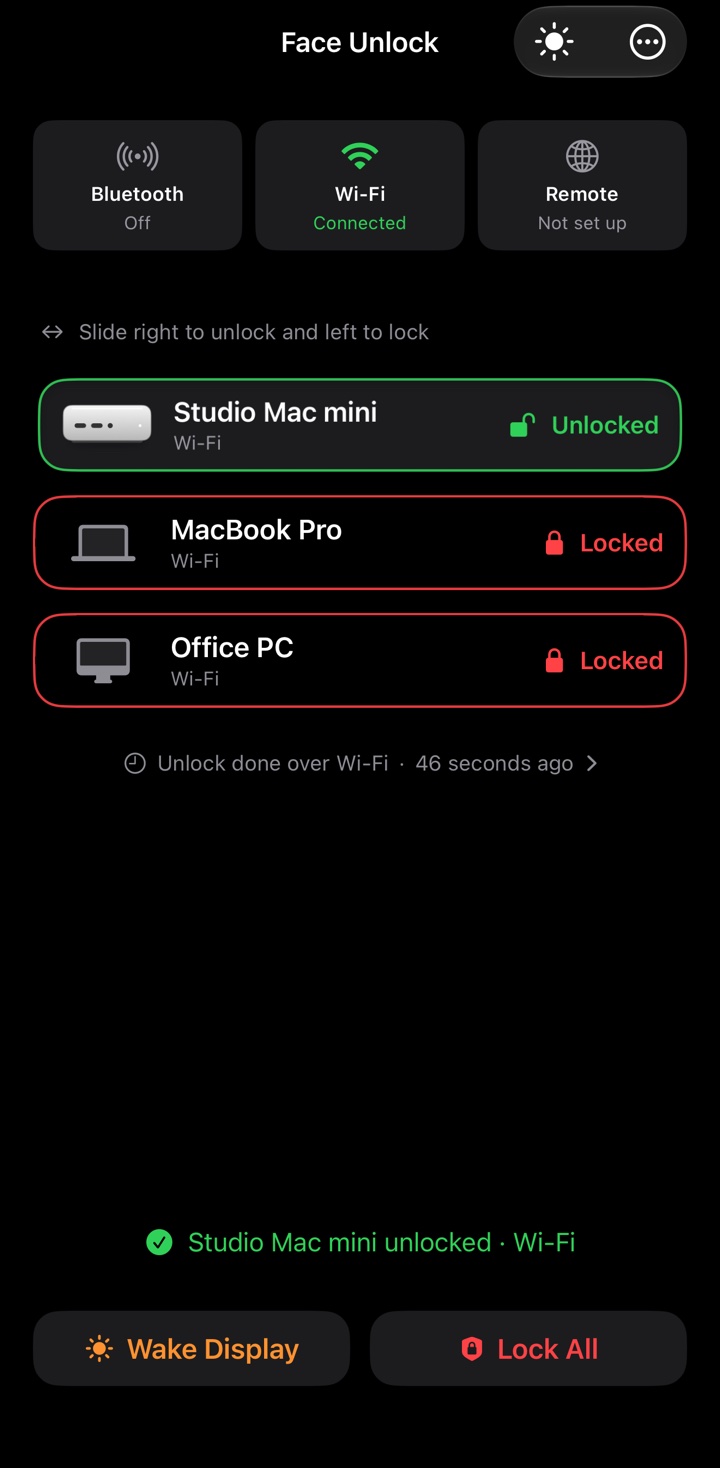
Every computer, in one list.
Red is locked. Green is unlocked. Macs and PCs sit side by side.

On a Mac
Walk away, it locks. Come back, it unlocks.
Your Mac notices when you and your iPhone or iPad leave the room.
- Auto-lock. Your Mac locks itself when you walk away.
- Automatic unlock. Press a key and your Mac unlocks when your iPhone or iPad is near.
- Password prompts. Approve the Mac's password prompts with Face ID or Touch ID.
- Guest access. Let someone in for an hour, a day or a week.
Features
Small things that add up.
Lock all at once
One tap locks every computer you have connected.
Wake the display
Wake a sleeping screen before you sit down.
Notifications
Know when a computer locks or unlocks.
Siri, Shortcuts, widgets
Also in Control Center and on the Action button.
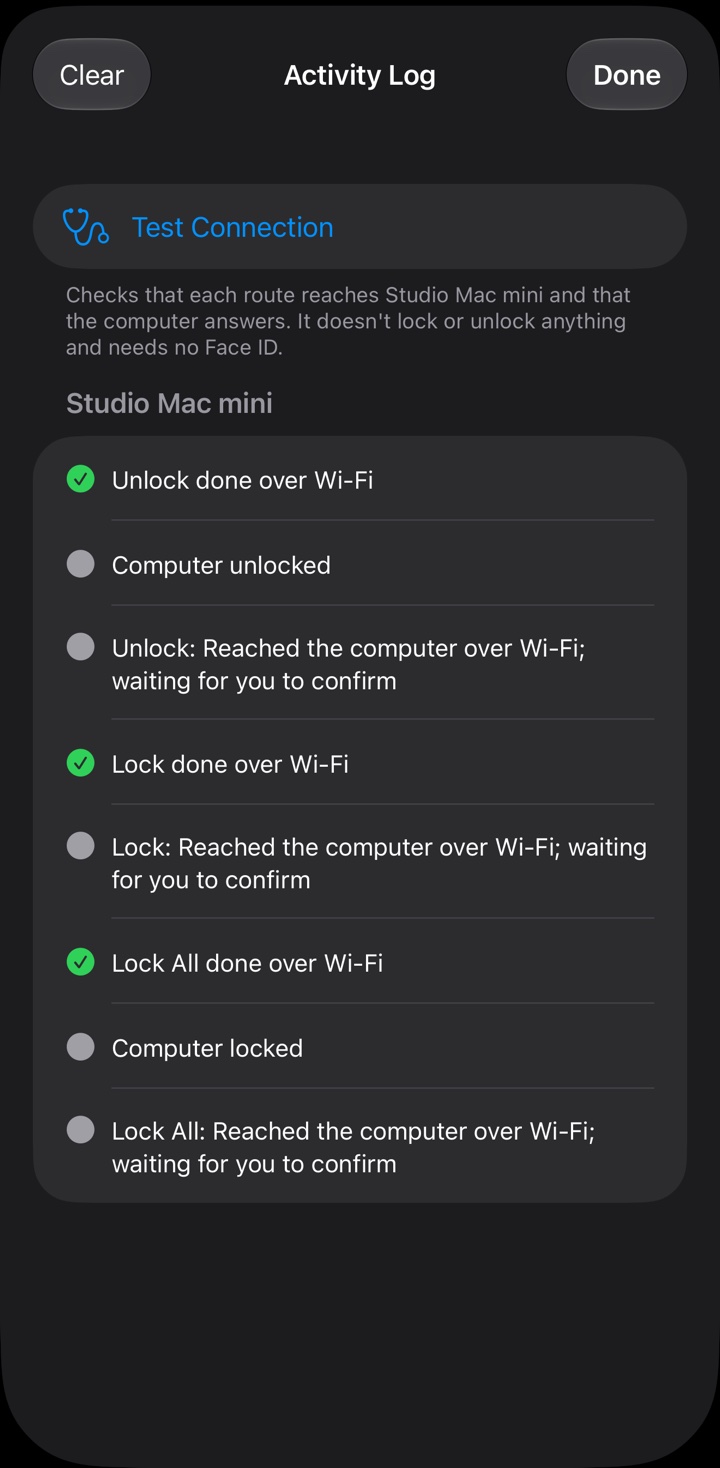
Activity log
A plain record of every lock and unlock, kept on your device.
Mac and Windows
Macs and PCs with Windows 10 or 11, in the same list.
More than one device
Two iPhones or iPads on one account with Family & Office.
Light or dark
Follows your iPhone or iPad, or pick one yourself.
Security
Built so that even we can't unlock your computer.
Your password stays on your computer
It is sealed there so that only your connected iPhone or iPad, after Face ID or Touch ID, can open it. It is never sent to us.
The keys can't be copied
They live in the secure hardware of your iPhone or iPad and never leave it.
Your account can't unlock anything
It keeps your plan and your list of computers. That is all it can do.
Sealed from end to end
When you unlock from far away, our relay only passes sealed messages along. It cannot read them.
Read exactly what we keep, and what we never see, in the Privacy Policy.
Plans
Free for one computer.
Add more computers and unlock from anywhere when you need to.
Free
$0
For one computer at home or at work.
- 1 computer
- Bluetooth and Wi-Fi
- Lock, unlock and wake
- Shows ads
Plus
$1.99$0.99 a month
Holiday price when you subscribe by December 31, 2026. You keep it for as long as you stay subscribed.
- Up to 3 computers
- Unlock from anywhere
- Auto-lock and password prompts on Mac
- No ads
Family & Office
$6.99 a month
Or $29.99 a year.
- Up to 5 computers
- 2 iPhones or iPads on one account
- Everything in Plus
- No ads
Happy with the free plan? Remove Ads takes the ads away for $9.99 a year. Prices are in US dollars. Plans are bought in the app, charged to your Apple Account, and renew until cancelled.
Get Face Unlock
One app, and one small program for each computer.
iPhone and iPad
Any iPhone or iPad with Face ID or Touch ID.
Coming soon to the App StoreMac
The free Face Unlock program for your Mac.
Available at launchWindows 10 and 11
The free Face Unlock program for your PC.
Available at launchQuestions
Good to know.
Does my computer's password ever leave my computer?
No. You type it once into the Face Unlock program on the computer. It is stored there, encrypted, and is never sent to us or to your iPhone or iPad.
Can I unlock my computer when I'm not at home?
Yes, on a paid plan. Turn on "Allow unlock and lock from anywhere" in the Face Unlock program on the computer. The computer has to be on and connected to the internet.
What works on Windows, and what is Mac only?
On Windows, the app locks, unlocks and wakes the PC. After Windows restarts, sign in once with your password or PIN, and Face Unlock works from then on. Auto-lock, automatic unlock, password prompts and guest access work with a Mac.
What if I lose my iPhone or iPad?
Open the Face Unlock program on each computer and remove the lost device from the list. It can no longer lock or unlock that computer.
More answers on the Support page.